Tech
Free, open-source tools from OpenSpeaks for documenting and archiving languages. They run in a web browser, and each has its own help page.
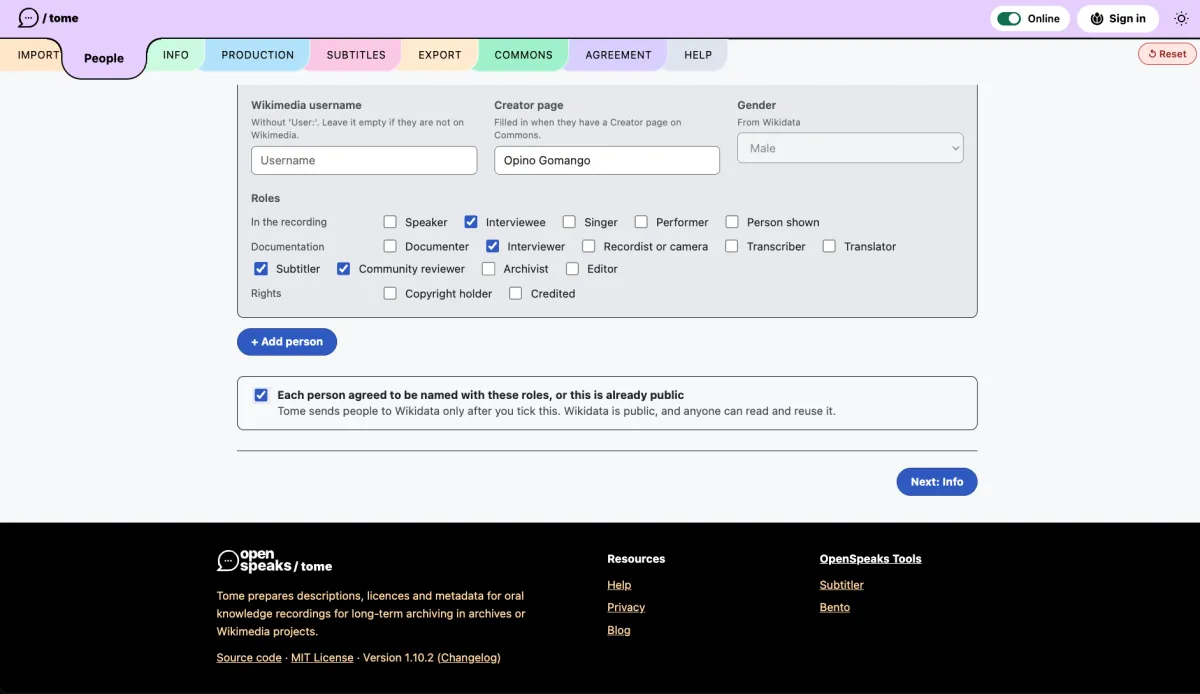
Tome
Organise the information about each recording.
Who speaks, who recorded, in which language, where and when.
Consent and payment agreements for speakers and documenters.
Saves in formats archives such as ELAR accept.
Oral Knowledge Framework: switch it on in Tome to record who may access a recording and how the community benefits. Read the framework
tome.toolforge.org Help: tome.toolforge.org/#help
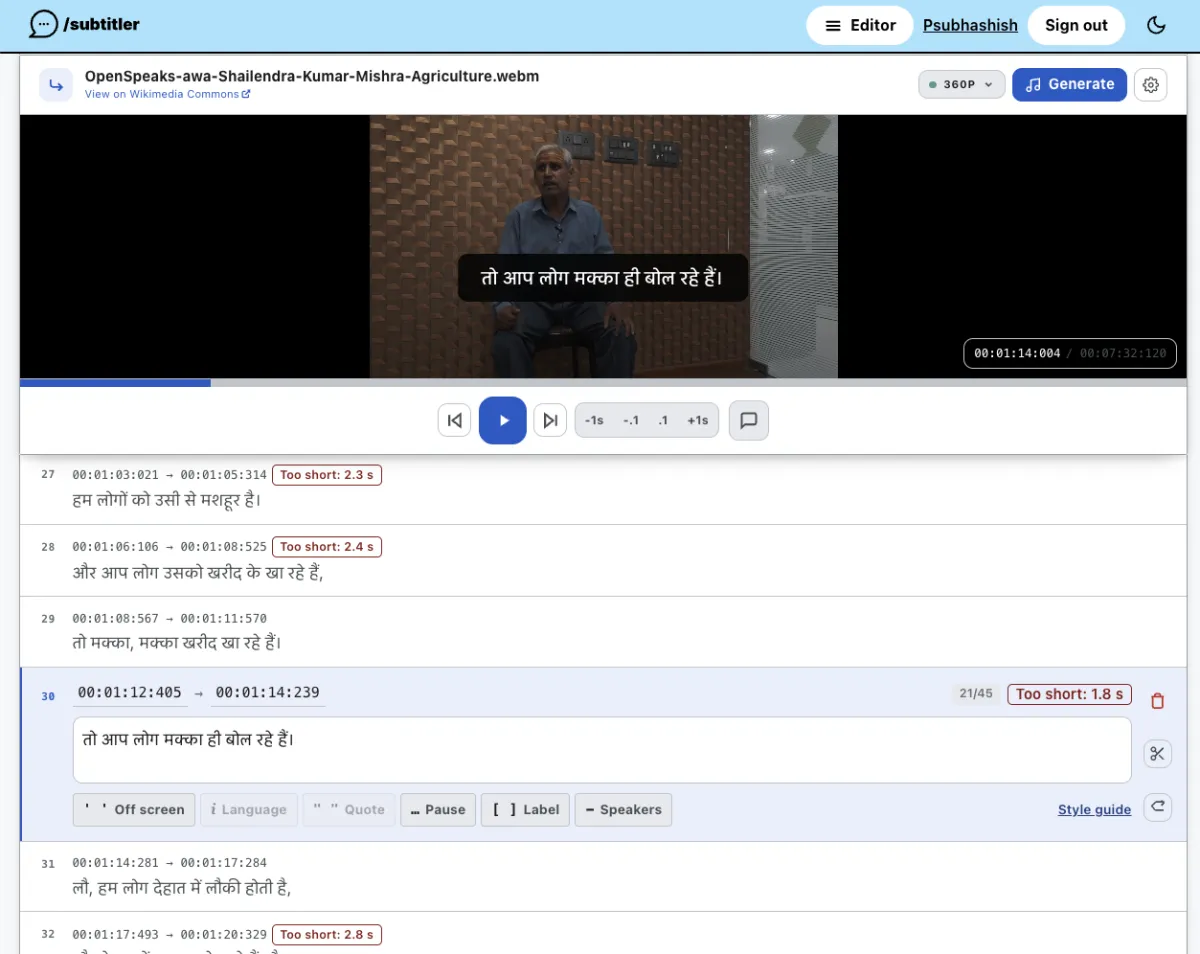
Subtitler
Write and time subtitles for audio and video.
Draft cues from pauses in speech, or import a transcript.
Edit against the waveform, then download an .srt file.
Text Style Guide: Subtitler checks each cue as you type for length, timing, speaker turns and labels, so everyone on a team subtitles the same way. Read the guide
subtitler.toolforge.org Help: subtitler.toolforge.org/about
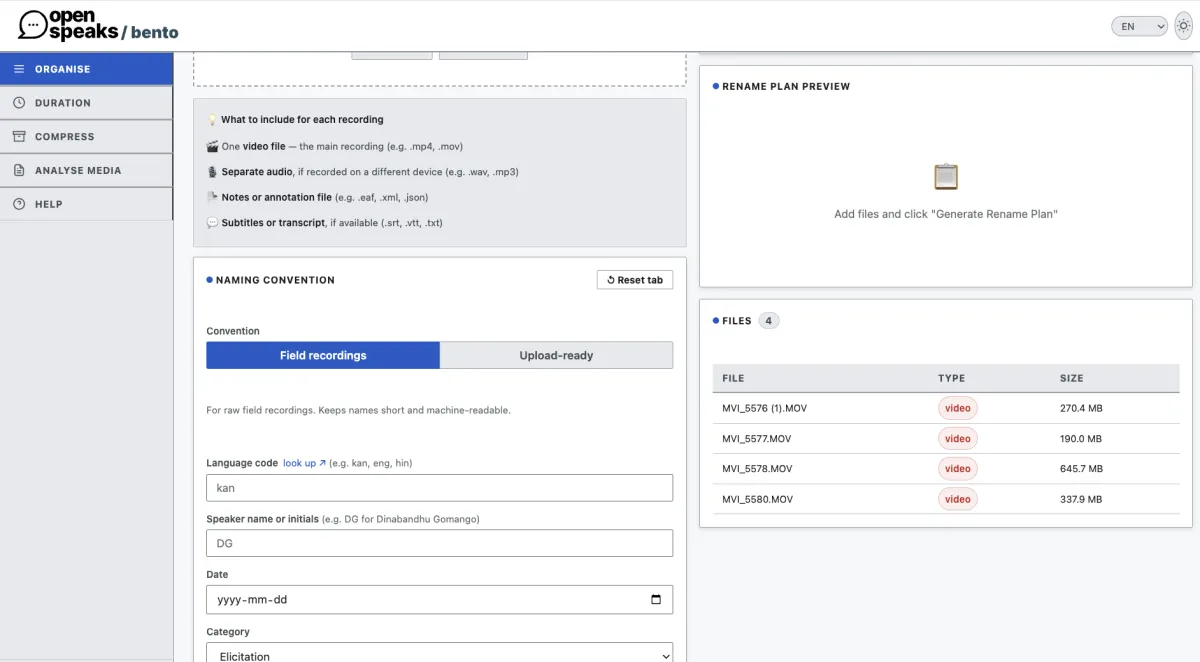
Bento
Rename, measure and compress media files.
Gives field recordings consistent names before you describe them in Tome. Works offline once loaded.
bento.toolforge.org Help: the Help tab in the tool
archivingthepresent.cc
Cover artwork by Siddhesh Gautam, letterpress print by House of Press, site design by OpenSpeaks . Unless otherwise mentioned, site content under CC BY SA 4.0 .